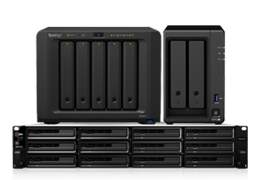

- NAS
- 48 TB SATA/SSD/HDD
- 2 x disks
- scalable up to 7 x HDD(s)
- AMD Ryzen R1600 (2 cores 2.6 GHz)
- up to 32 GB RAM
starting at745€
instead of885€



Our (Pr)eisbrecher servers are clearing the way
for affordable
IT infrastructure.
proxtalks: October 20, 2026

The must-attend event for all Proxmox fans—trends, expert insights, practical knowledge, and networking all packed into one day.
These NAS storage systems are available from us
Administrators and specialists who manage large amounts of data in particular will find NAS storage from Thomas-Krenn a solution for location-dependent data storage and management. This enables fast access to information as well as the storage and archiving of data. Thomas-Krenn offers you a wide selection of NAS systems from various brands as well as expertise for different needs.


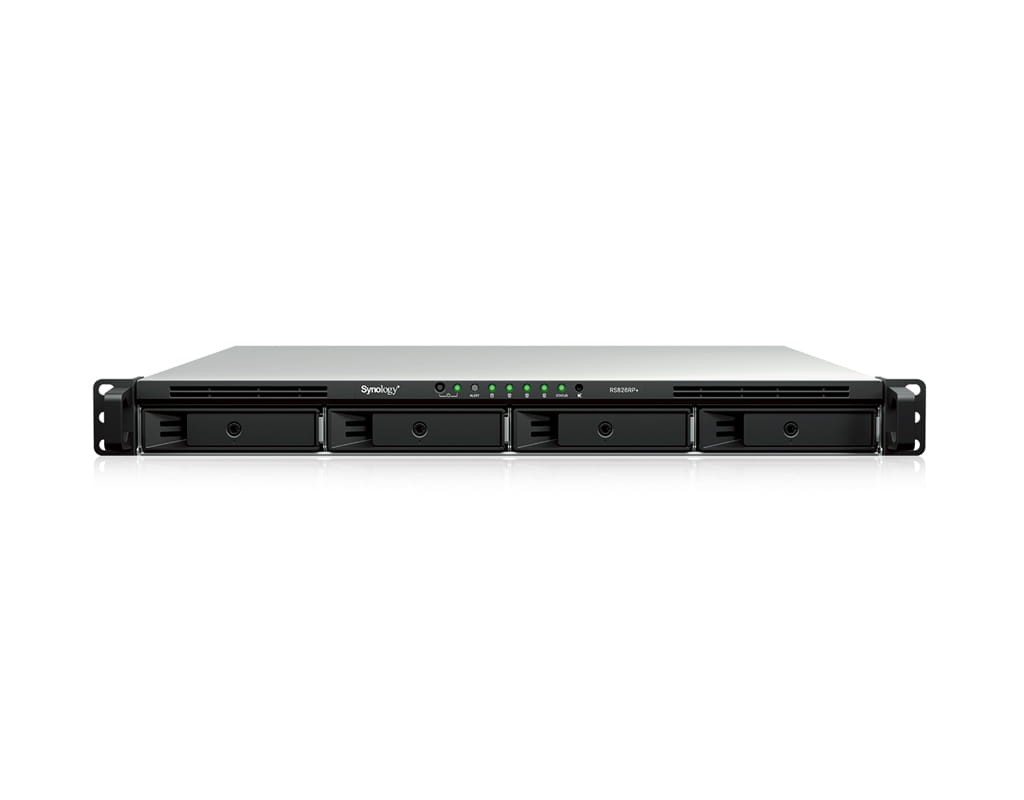
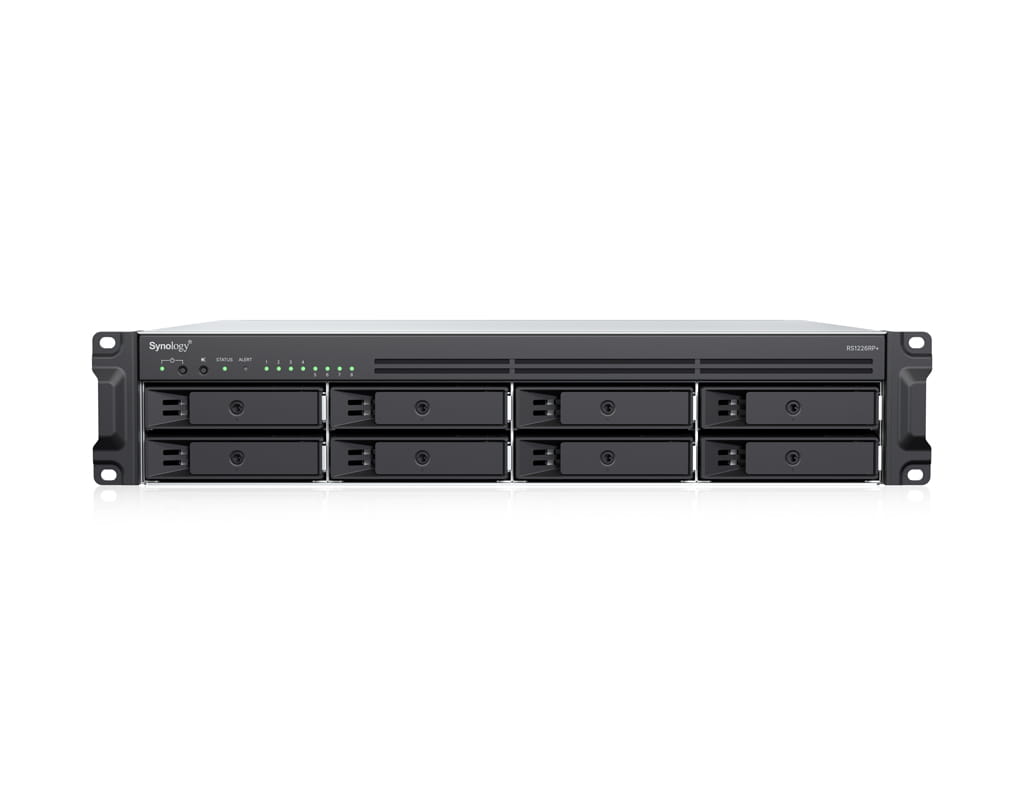


NAS


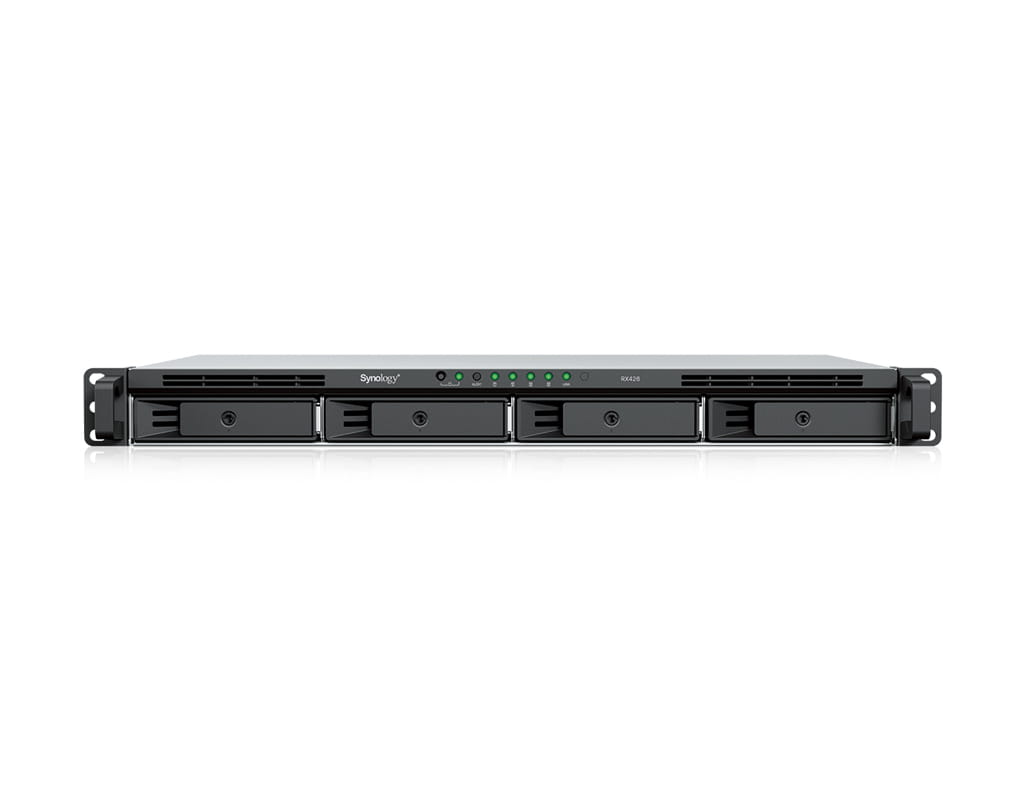


All prices are net prices and do not include statutory VAT; they are intended exclusively for entrepreneurs (Section 14 of the German Civil Code (BGB)), legal entities under public law and special funds under public law.
Further options
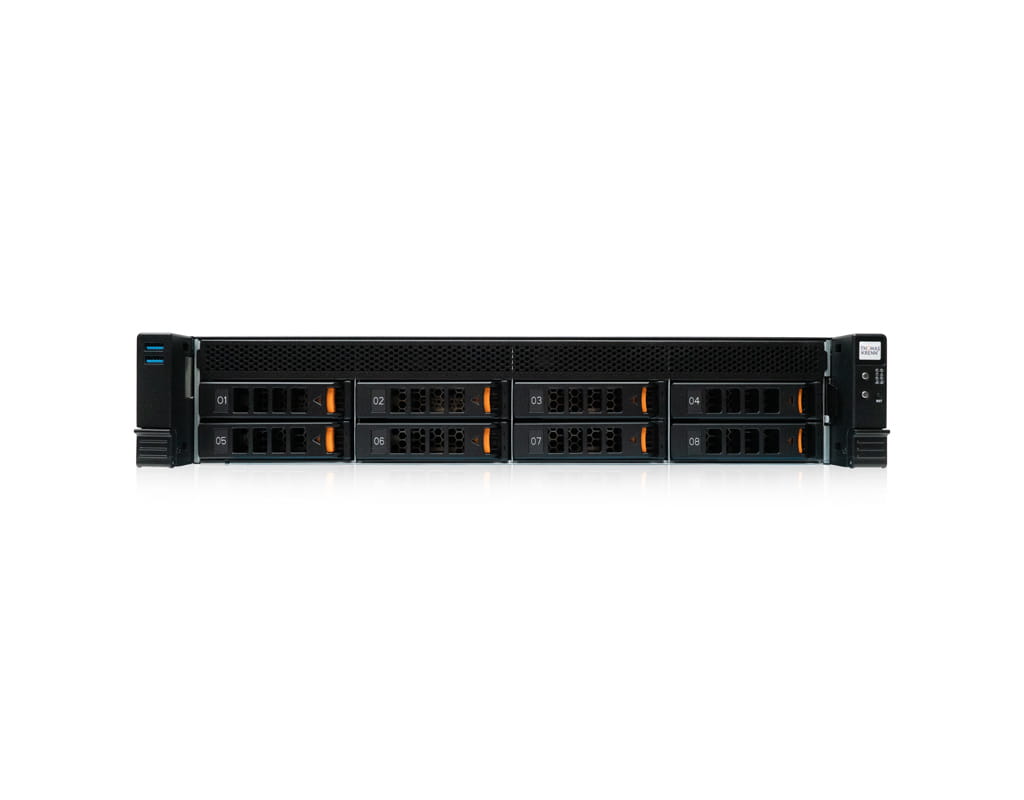
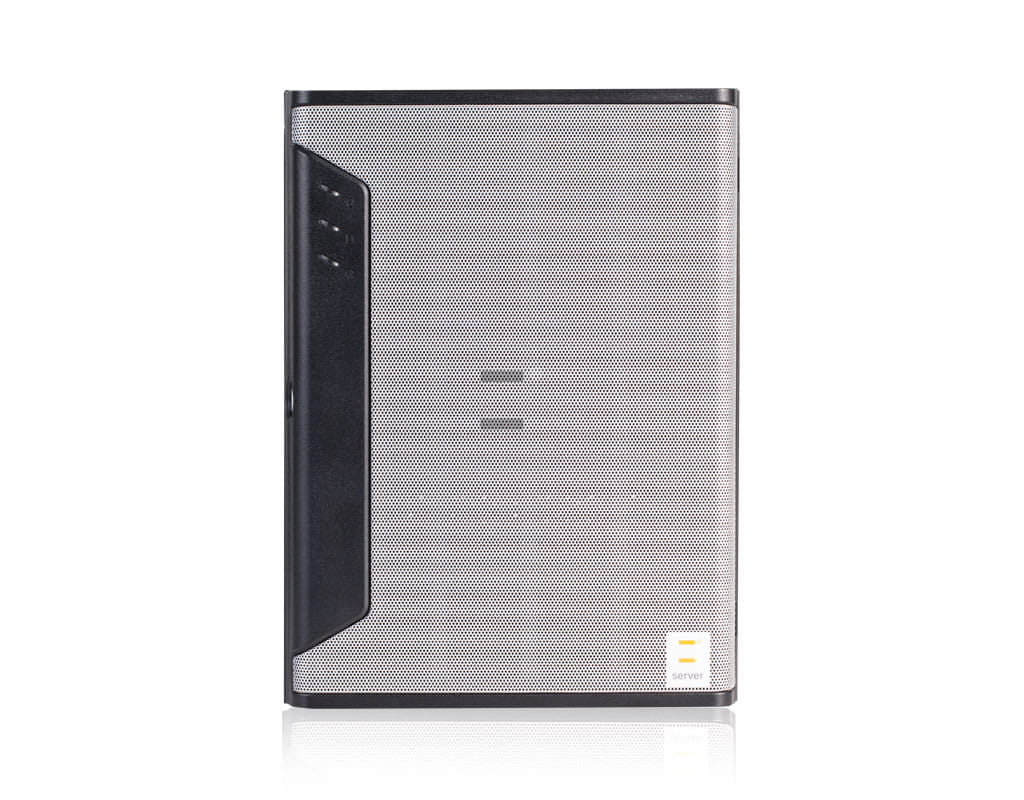
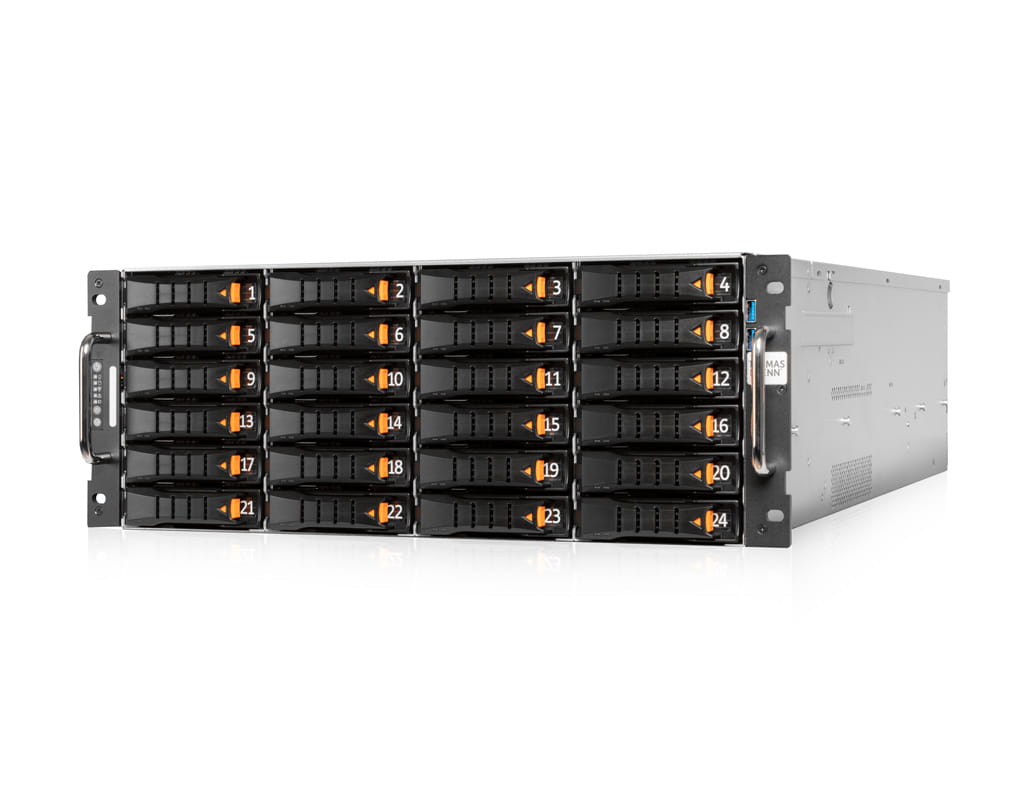
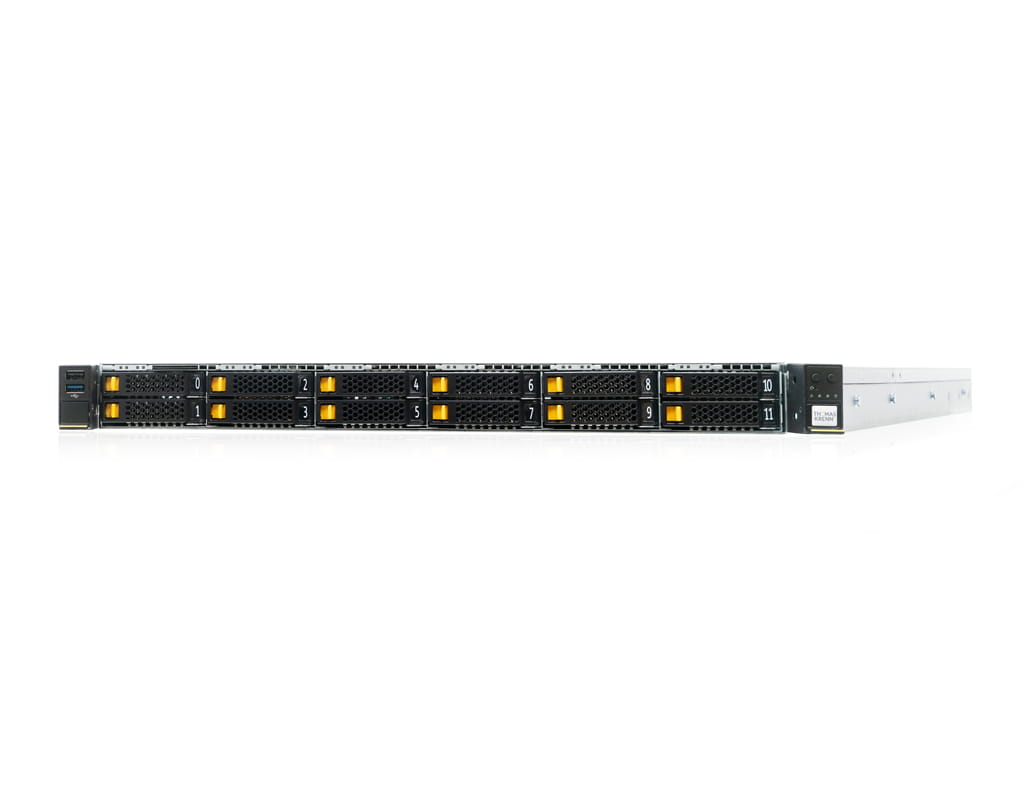
Optimized for:
All prices are net prices and do not include statutory VAT; they are intended exclusively for entrepreneurs (Section 14 of the German Civil Code (BGB)), legal entities under public law and special funds under public law.
Further options
Optimized for:

All prices are net prices and do not include statutory VAT; they are intended exclusively for entrepreneurs (Section 14 of the German Civil Code (BGB)), legal entities under public law and special funds under public law.
Further options
The terms Network Attached Storage and Network Storage Server refer to the same concept: a standalone storage system with its own operating system that connects to the network via Ethernet and provides centralized data access to multiple users. Unlike a traditional file server, whose main task is to host applications, a NAS primarily handles storage and data management tasks and operates in a resource-efficient manner. Access is file-based via established protocols, and administration is handled through an intuitive web interface. This allows such a system to be set up and integrated into daily workflows even without in-depth storage expertise.
Data security through RAID: Configurable RAID levels such as RAID 1, 5, 6, or 10 protect against the failure of individual hard drives. Hot-swappable drive bays allow defective drives to be replaced during operation. In addition, snapshots and replication provide additional layers of protection.
In the storage environment, you will regularly encounter three terms that, while related, are technically distinct from one another: NAS, SAN, and JBOD. Which solution is right for your needs depends on the type of data access, the required performance, and the existing network infrastructure. The following overview compares the three concepts and helps you determine which is right for you.
| Feature | NAS (Network Attached Storage) |
SAN (Storage Area Network) |
JBOD (Just a Bunch of Disks) |
| Access Type |
File-level (SMB, NFS) |
Block level (iSCSI, FC) |
Directly on the host (SAS) |
|
Dedicated operating system |
Yes (e.g., Synology DSM) |
Yes (Storage OS) |
No |
|
Network |
Standard LAN / 10 GbE |
Dedicated SAN / Fibre Channel |
Direct connection to server |
|
Multi-user access |
Yes, granular via ACL |
Yes (via server) |
Limited |
|
Typical use |
File server, backup, cloud |
Databases, VM clusters |
Capacity expansion |
While NAS servers are characterized by their straightforward integration into existing networks, SAN storage solutions from Thomas-Krenn are primarily used when particularly low latencies and high IOPS rates are required. JBOD systems are not standalone storage systems but are used exclusively to expand the capacity of existing environments. You can find an overview of all available models and manufacturers in the Thomas-Krenn storage product range.
Anyone looking to purchase a NAS system for their business faces a number of specific decisions regarding capacity, performance, and connectivity. The right system depends on the intended use, current data volumes, and expected growth in the coming years. If you haven’t yet clearly defined these key factors, our presales team will be happy to assist you with a free consultation on suitable NAS servers and configurations.
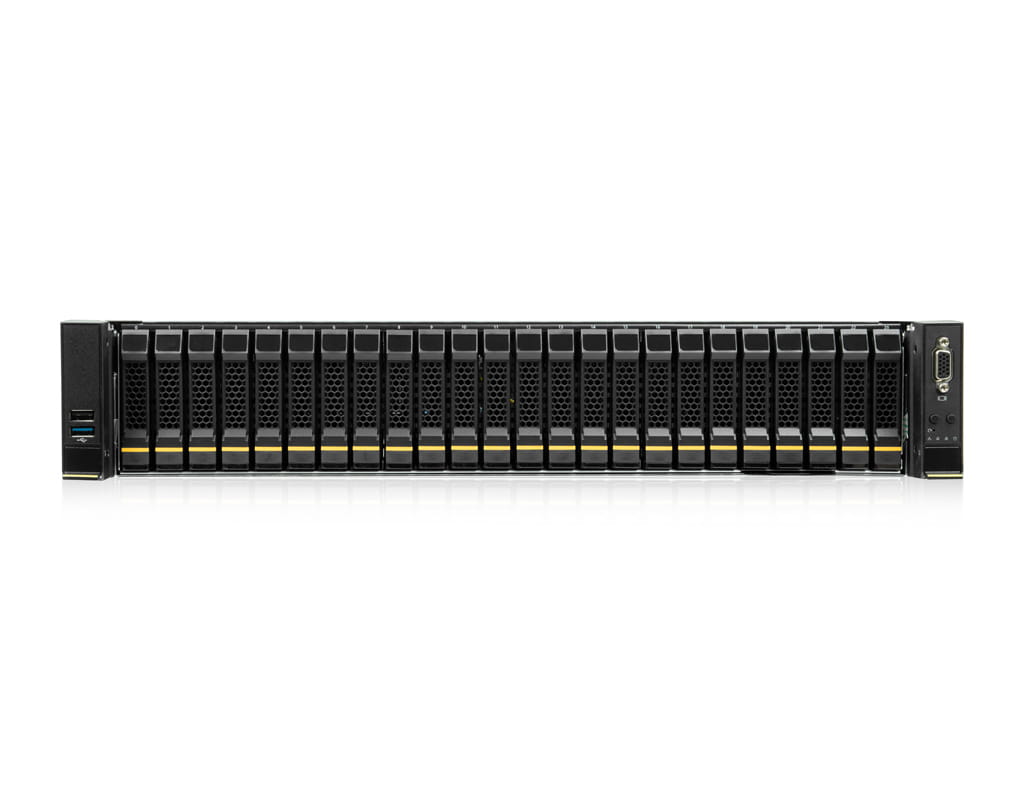
The Network-Attached Storage (NAS) range at Thomas-Krenn comprises clearly distinct product series tailored to different user profiles. If you’re looking for a turnkey appliance with a sophisticated management interface, Synology is the right choice. If you need a flexible hardware platform for software-defined storage solutions, our Open Storage Systems are the right choice. And if you’re looking for highly available ZFS storage with disaster recovery features in an enterprise environment, Open-E JovianDSS is the perfect solution. All storage solutions can be individually configured by us and tailored precisely to your needs.
Synology is one of the most widely used NAS server manufacturers among European small and medium-sized businesses and stands out primarily for its proprietary operating system, DiskStation Manager (DSM). The intuitive web interface combines file sharing, backups, snapshots, virtualization, and cloud connectivity into a clear interface that can be managed even without in-depth technical knowledge. The portfolio ranges from compact desktop devices in the DiskStationseries to classic rackmount models and enterprise systems with redundant controllers and high-availability configurations, such as the UC3400 or the HD6500 with up to 1.2 petabytes of storage capacity. As a long-standing Synology partner, we offer all models in our configurator. Configure your Synology NAS server now at Thomas-Krenn.
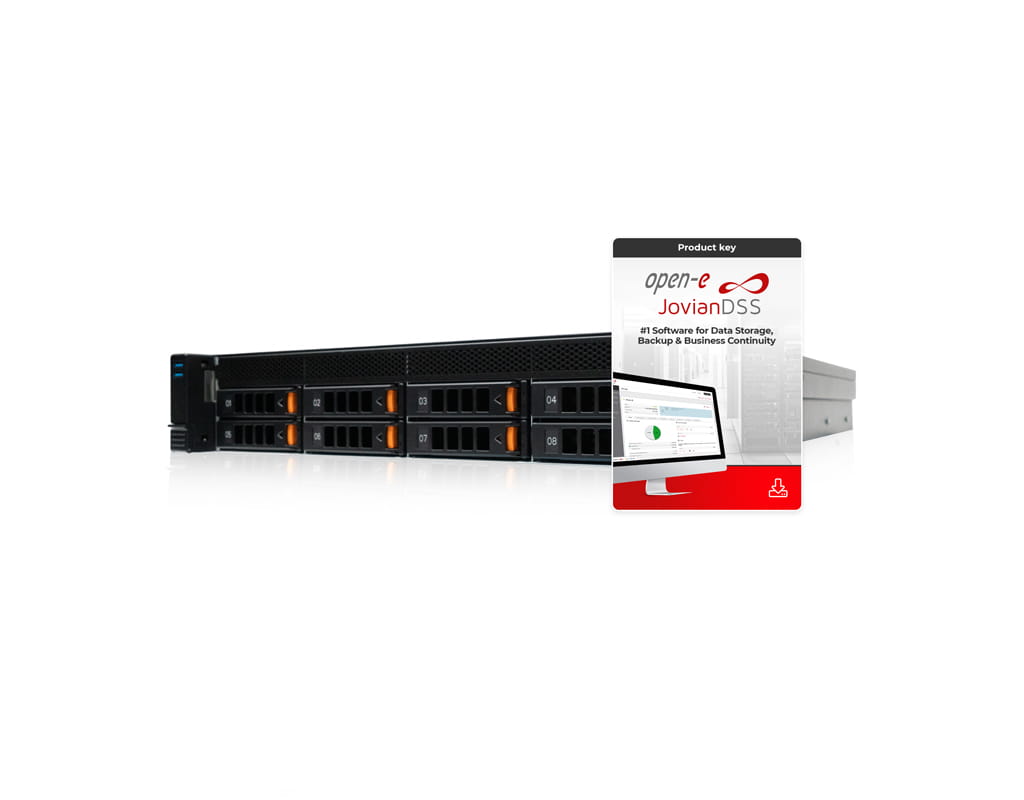
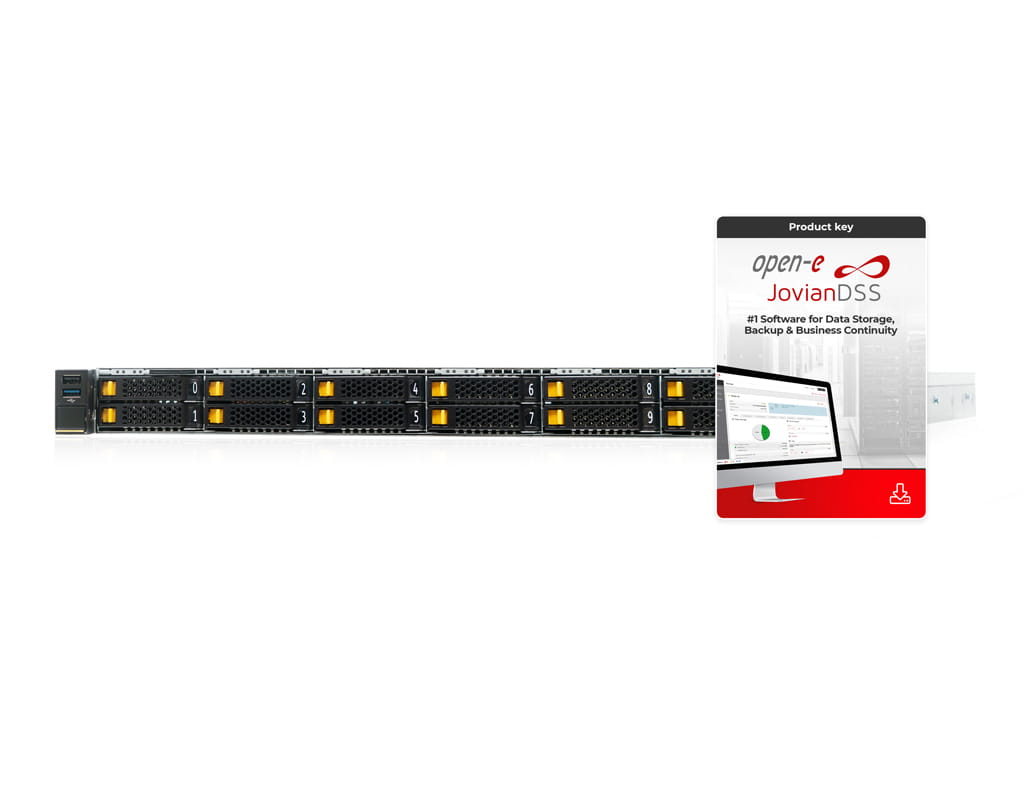
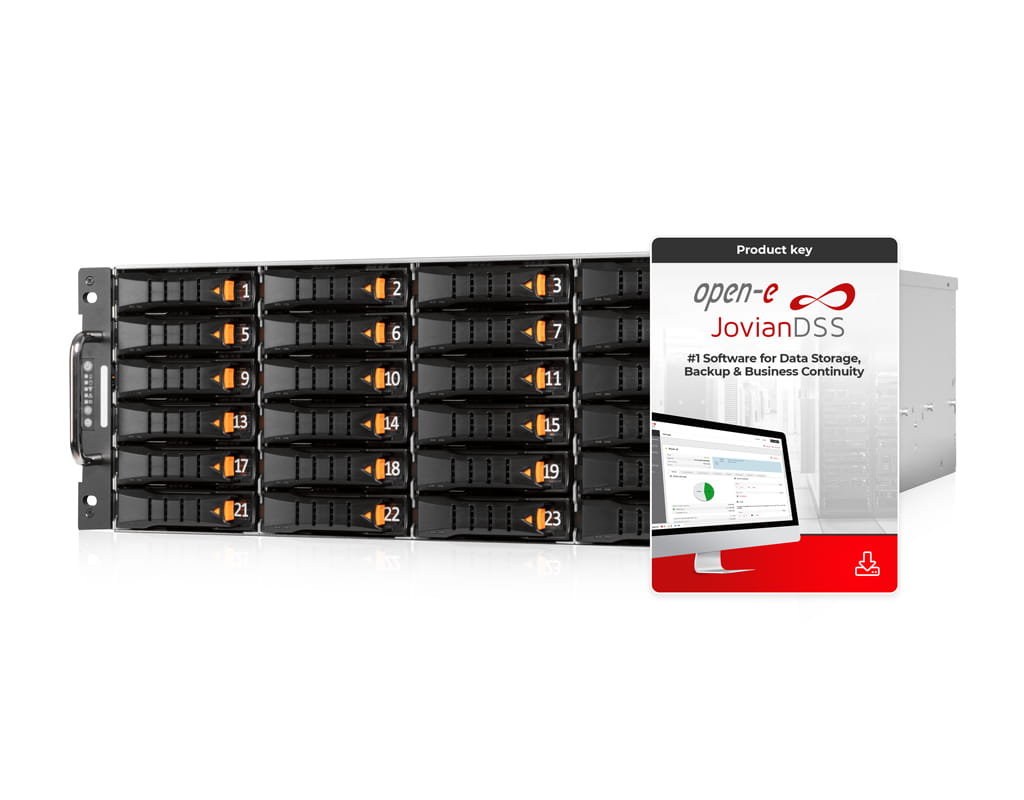
Where some appliances reach their limits—such as with very high performance requirements, metro-cluster scenarios, or petabyte-scale workloads— software-defined storage solutions come into play. Open-E JovianDSS storage servers are based on the proven 128-bit ZFS file system and extend it with enterprise features such as synchronous mirroring, asynchronous off-site replication, unlimited snapshots, and native compression and deduplication. As a Platinum Partner of Open-E, we supply certified hardware in close coordination with the manufacturer, ensuring that the license, server, and storage configuration are perfectly aligned. Alternatively, our Open Storage Systems offer a flexible hardware platform with TrueNAS Community Edition preinstalled, which is suitable for users who want to rely on an open-source SDS solution with OpenZFS support. Both systems run on certified Thomas Krenn hardware.
In practice, network storage servers cover a wide range of tasks that were previously distributed across multiple specialized systems. The following four scenarios illustrate the situations in which a NAS most frequently proves its worth.

For over two decades, we have been developing and manufacturing server and storage systems in Freyung, Lower Bavaria— individually configured and tailored to the specific requirements of our business customers. Every NAS system for businesses undergoes a standardized test in our in-house production facility before shipment, during which the hardware, firmware, and pre-installed software are checked for proper functioning. We view personal consultation not as an additional service, but as an integral part of our work. From SMEs with two drive bays to data center operators with storage needs of several petabytes, we fulfill orders of any quantity and personally guide you from configuration through to deployment.
Get a personal consultation now
 login
login 

 On-site consulting
 Telephone consultation
 Callback service
 Consulting