

 wiki
wikiRestoring a Clonzilla Image
Clonezilla is an open source package for cloning computers and creating hard disk images. Clonezilla is most often used from a live CD and works similarly to Norton Ghost from Symantec.
This article will describe how to recover a Clonezilla image over a Samba server or a Windows share.
Attention: The folder structure for the Clonezilla image must be constructed as follows:
- Share
 - 2009-07-01-15-12-img
   - Individual files[...]
If the files are located directly under the share, Clonezilla will not find the image.
Steps
-
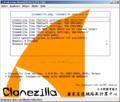 1.:Clonezilla Grub
 -
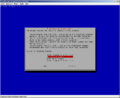 2.:Keymap selection
 -
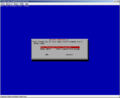 3.:Start Clonezilla
 -
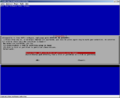 4.:Device to image mode
 -
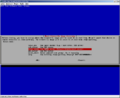 5.:Select the installation source
 -
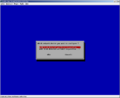 6.:Network configuration step 1
 -
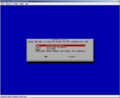 7.:Network configuration step 2
 -
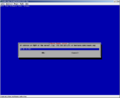 8.:Samba server address
 -
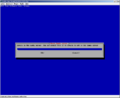 9.:Domain
 -
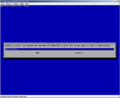 10.:User account
 -
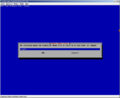 11.:Samba directory
 -
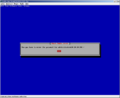 12.:Password request with command line entry
 -
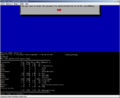 13.:File system display
 -
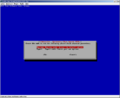 14.:Mode selection
 -
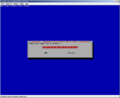 16.:Image selection
 -
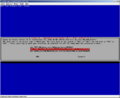 17.:Hard disk selection
 -
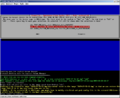 18.:Confirmation step 1
 -
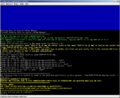 19.:Confirmation step 2
 -
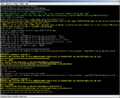 20.:Confirmation step 3
 -
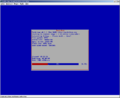 21.:Progress of the image creation process
 -
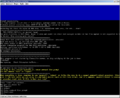 23.:Boot selection


Related articles
Cockpit Web Console
PCIe Bus Error Status 00001100
Permanently set Linux monitor resolution for headless operation



