

 wiki
wikiASPEED AST2400 IPMI Chip with ATEN-Software
| Please note that this article / this category refers either on older software / hardware components or is no longer maintained for other reasons. This page is no longer updated and is purely for reference purposes still here in the archive available. |
|---|
The ASPEED AST2400 IPMI Chip with ATEN software es part of certain Supermicro X10-series Motherboards. It provides both a web interface for remote server maintenance, including KVM-over-IP, as well as IPMI functionality. See Full Remote Management Supermicro.
Motherboards
The ASPEED AST2400 IPMI chip with the ATEN software has been built onto the following main boards, among others:
Network Configuration


The following network modes are available:
- dedicate – The web interface & IPMI systems can be accessed through the dedicated IPMI NIC port (located above the USB ports)
- share – The web interface & IPMI systems can be accessed through NIC Port 1. The MAC address for the web interface & IPMI systems is activated as a secondary MAC address parallel to NIC Port 1.
- failover – If a link is available on the dedicated IPMI NIC port, that port will be used. Otherwise, NIC Port 1 will be used.
Firmware Update
See:
IPMI Screenshots Webinterface
The following screenshots were created using a Supermicro X10SLH-F Motherboard with IPMI Firmware 1.42.
System
-
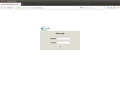 Login
Login -
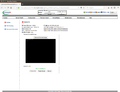 System Information
 -
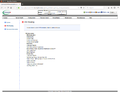 FRU Reading


Server Health
-
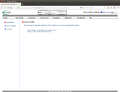 Server Health Overview
 -
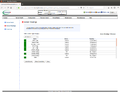 Sensor Readings (1/2)
 -
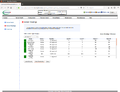 Sensor Readings (2/2)
 -
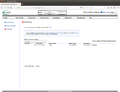 Event Log
 -
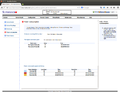 Power consumption (1/2)
 -
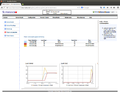 Power consumption (2/2)
 -
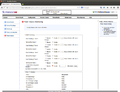 Power Source


Configuration
-
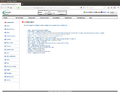 Configuration Overview
 -
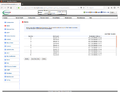 Alerts
 -
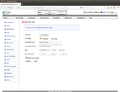 Date and Time
 -
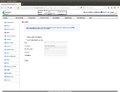 LADP
LADP -
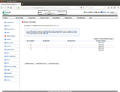 Active Directory (1/2)
 -
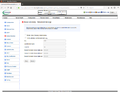 Active Directory (2/2)
 -
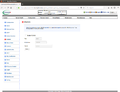 RADIUS
 -
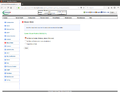 Mouse Mode
 -
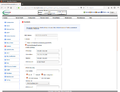 Network (1/2)
 -
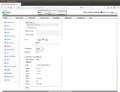 Network (2/2)
 -
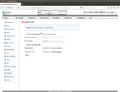 Dynamic DNS
 -
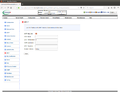 SMTP
SMTP -
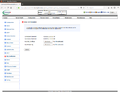 SSL Certification
 -
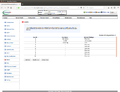 Users (1/2)
 -
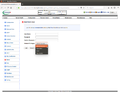 Users (2/2)
 -
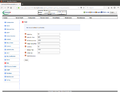 Port
Port -
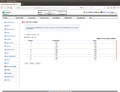 IP Access Control
 -
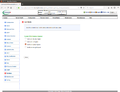 Fan Mode
 -
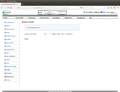 Web Session


Remote Control
-
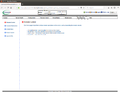 Remote Control Overview
 -
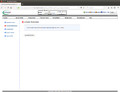 Console Redirection (1/2)
 -
 Console Redirection (2/2)
 -
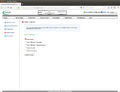 Power Control
 -
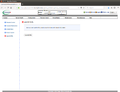 Launch SOL (1/2)
 -
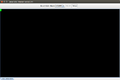 Launch SOL (2/2)


Virtual Media
You can find an article about setting up virtual media at Mounting IPMI Virtual Media.
-
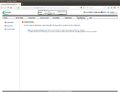 Virtual Media Overview
 -
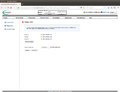 Floppy Image
 -
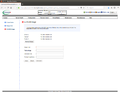 CD-ROM-Image


Maintenance
-
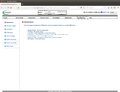 Maintenance Overview
 -
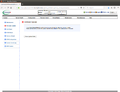 Firmware Update
 -
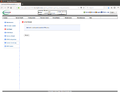 Unit Reset
 -
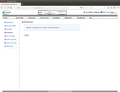 IKVM Reset
 -
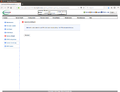 Factory Default
 -
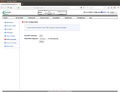 IPMI Configuration
 -
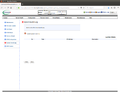 System Event Log
 -
 BIOS Update


Miscellaneous
-
 Miscellaneous Overview
 -
 Post Snooping
 -
 SMC RAKP
 -
 UID Control


 |
Author: Werner Fischer Werner Fischer, working in the Knowledge Transfer team at Thomas-Krenn, completed his studies of Computer and Media Security at FH Hagenberg in Austria. He is a regular speaker at many conferences like LinuxTag, OSMC, OSDC, LinuxCon, and author for various IT magazines. In his spare time he enjoys playing the piano and training for a good result at the annual Linz marathon relay.
|





